- Conference & event collections
- Corporate learning programs
- Compliance training
- Onboarding videos
- Investor communications
- Virtual exhibit hall

 | Dynamic Video Libraries
Video Creators Registered
Mins Media Streamed
Unique Viewers
OpenExchange’s Knovio provides quick, easy ways to create
and share organized collections of videos and other media.

With OpenExchange you can showcase your most impressive media in attractive video showcases, including:
Each showcase gets its own unique address on the World Wide Web.

Easy-to-navigate grid or list layouts offer a Netflix-like experience.

Videos, multimedia, presentation flip-decks, PDF documents and more.

Color palette, fonts, and backgrounds are all customizable via CSS.

Multiple registration and security options mean your content is as private or public as you wish.

Measure both content performance and viewer engagement.
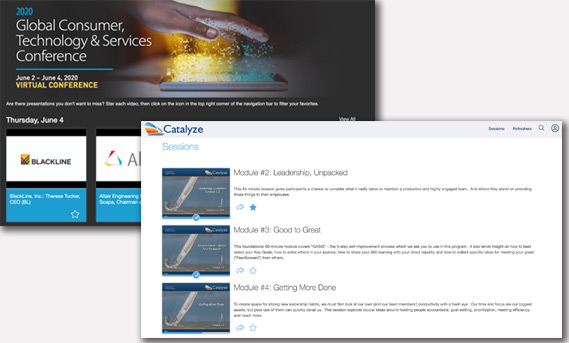
Choose from grid or list layouts — whichever is most appropriate for organizing your content and making it easy to find.
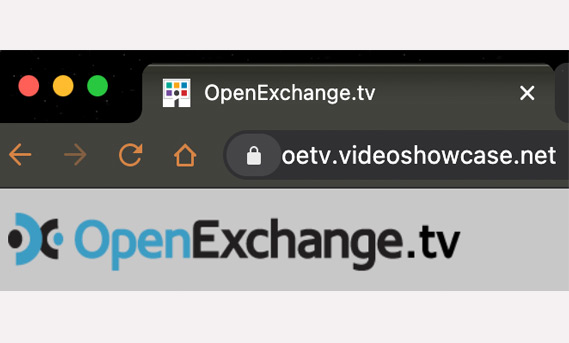
Choose your own custom subdomain of videoshowcase.net to make it easy for visitors to remember how to return again and again. As long as another isn’t using the subdomain, it’s yours as long as you need it!
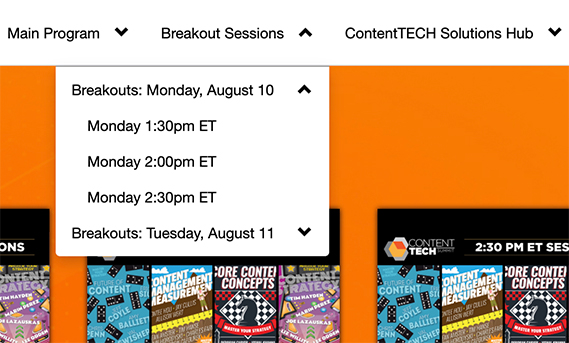
Organize large collections of content into a multi-level category hierarchy that can be accessed with drop-down menu navigation. Each category can have its own page in a sophisticated media microsite.
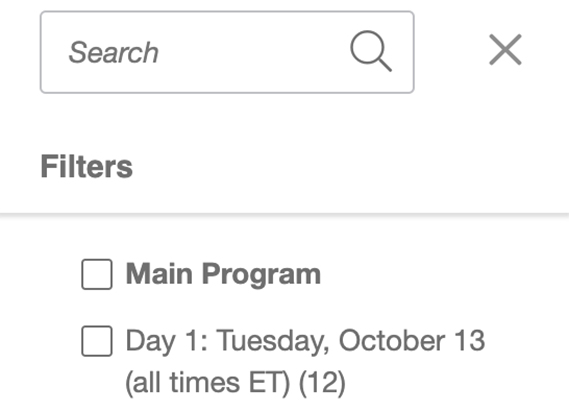
Search titles, descriptions, and speakers, and filter results by category to give the visitor maximum flexibility to find content quickly. Visitors can also create personal collections of “favorite” content, and subscribe to the showcase to get notifications when new content is posted.
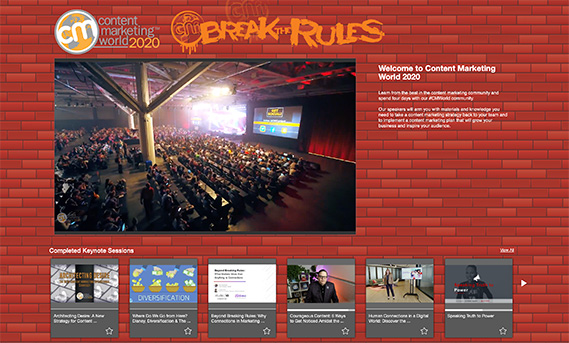
Choose a single piece of content to be featured prominently at the top of the showcase home page or any category page. This can include a live streamed keynote during a livecast conference or event.
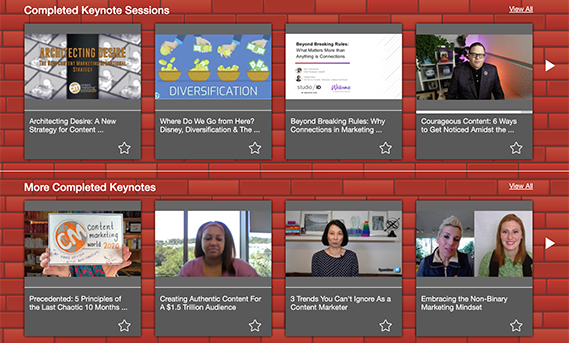
Featured categories can be arranged in Netflix-like carousel strips. This familiar style of interface makes large media collections instantly approachable for new visitors.
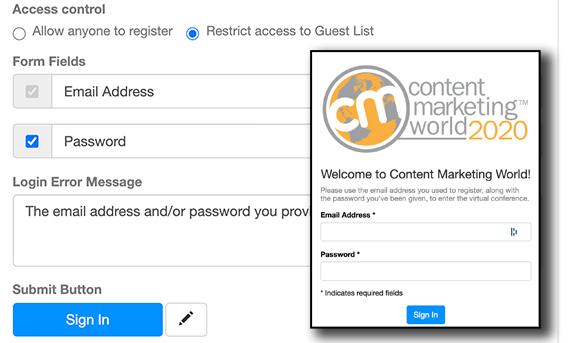
Manage access to showcase content by adding a guestbook that registers visitors and optionally can require a password. Ensure that only invited guests can enter the showcase by uploading a guest list of approved viewers. Guestbook data is incorporated into showcase analytics reports.
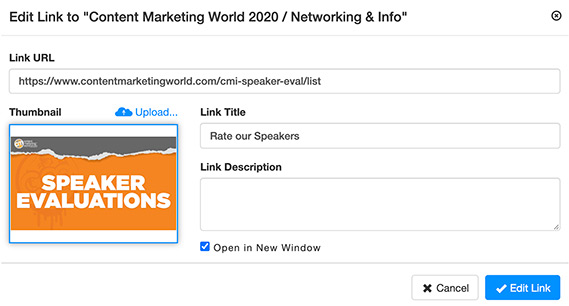
Showcase tiles can link to external web pages as well as internal media
Showcases are designed to include media stored on OpenExchange’s Knovio platform, including videos, multimedia presentations, presentation flip-decks, PDF documents, and slideshows. Showcase tiles can also provide single-click access to external web pages.
You can customize the subdomain of your URL with any subdomain name you wish, as long as it is not in use by another Knovio user. The address will be a subdomain of videoshowcase.net. (For example, https://explore-showcase-grand-tour.videoshowcase.net/)
Yes. If your web page can embed an iframe from an external site, you can incorporate your showcase into that page.
Each Knovio showcase has its own analytics page, updated with real-time data. This data shows view counts, viewing time, engagement scores, and much other information both in aggregate and for each content element. If guestbook registration is enabled, it will also show viewing and engagement information for each individual visitor to the showcase.
Showcases offer extensive customization options. Some customizations, such as logo, banner image, and basic colors, are changed from a branding control panel. Other customizations such as background image, fonts, and spacing, may be changed with a custom CSS file.